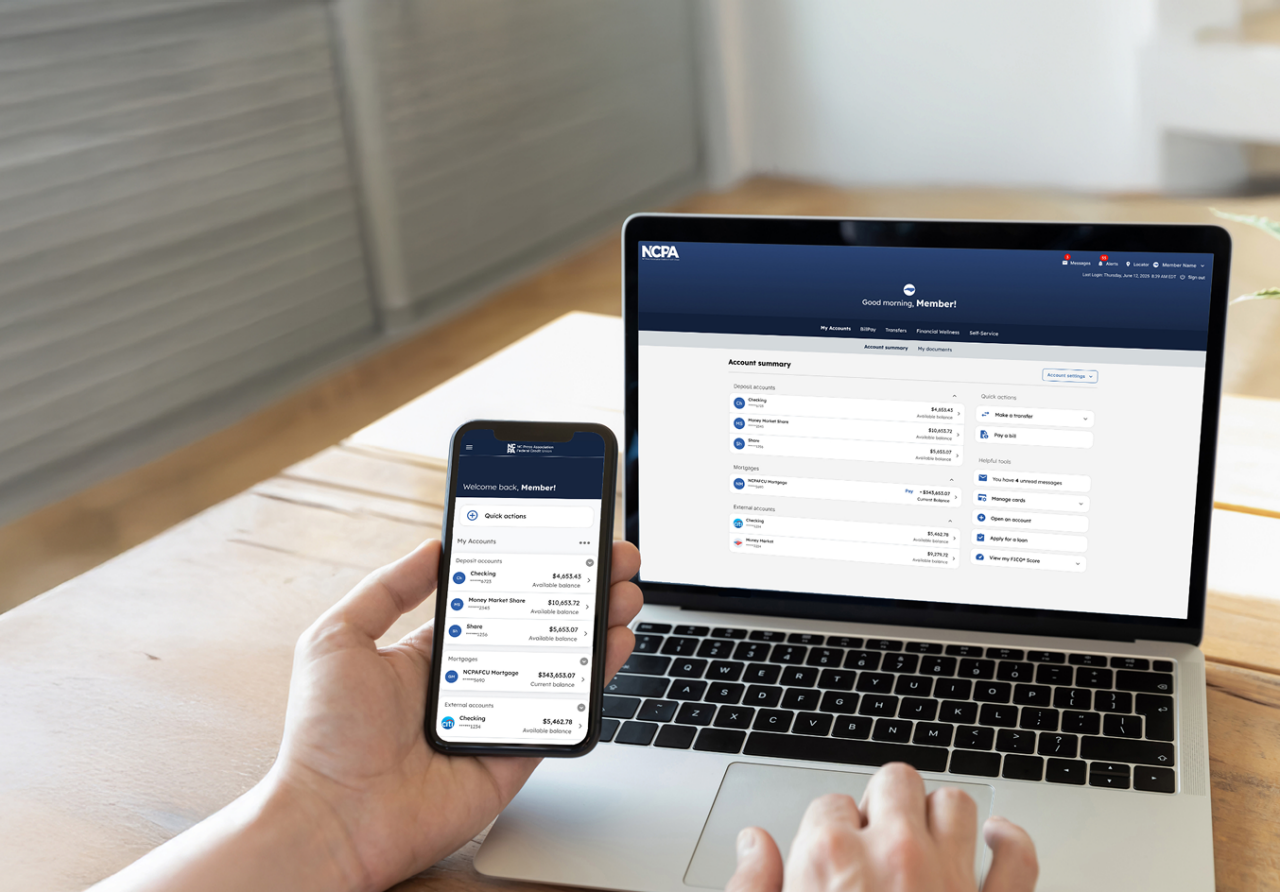




Phone and Laptop showing new online access

Member Access

Member Access (previously Press Pass) is your all-in-one platform for NCPAFCU account management. Monitor account balances, transfer funds, manage your financial goals, and more.

Powerful tools at the ready

manage accounts vector

Streamlined account management

  • View all of your NCPAFCU accounts in one place, including fiduciary accounts.
  • Connect your account(s) from other banks to see a 360-degree financial picture.
  • Customize the visibility and order of your accounts.
  • Experience easy-to-read transaction descriptions and recognized merchant names when tracking your spending.

Bill pay vector

A smarter way to pay your bills

  • Use deliver-by-date scheduling to help ensure your payments arrive on time, every time.
  • Save time with Bill Discovery, an optional feature that automatically searches our large biller network and your credit report to find billers you may want to add.
  • Enjoy peace of mind knowing payment funds are guaranteed up front. No more waiting for checks to clear your account.
  • Request eBills to avoid clutter and receive bills electronically where you already manage your payments.

transfer money vector

More ways to move your money

  • Send funds to other members in real-time with our secure Member-to-Member transfer option — no third-party apps or extra data sharing required.
  • Schedule and manage your own one-time or recurring transfers between eligible NCPAFCU accounts, giving you complete control of your money movement.

financial wellness vector

Your financial health at a glance

  • Add your external accounts and see a 360-degree view of your financial health and net worth in one centralized place.
  • Organize your transactions into editable categories and easily see where your money goes.
  • Set personal spending goals and track your progress in real-time.
  • View your transaction history by category or date across all your connected accounts.

self servicing vector

Enhanced self-service tools at your fingertips

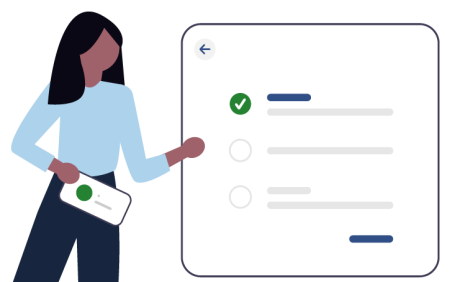
  • Activate, lock, unlock, or replace your cards all from one secure dashboard.
  • Submit stop payment and dispute requests, address changes, e-statement1 preferences, and more.
  • Connect with support through real-time chat, follow step-by-step demos in our How-To Guide Library, or reach out to us directly through our Contact Us page.

Personalized alerts

Tailor your experience with more than 40 alert options and expanded delivery channels, including SMS (text) message, email, or your secure Alerts inbox.

Required Alerts

From new device sign-in alerts to card status updates, receive automatic protection for your peace of mind.

Optional Alerts

From transaction alerts to low-balance warnings, choose the alerts that matter most to you.

Custom Alerts

From account credit notifications to savings goal milestones, choose the options that help you stay on track.

Multi-factor Authentication Vector

Secure access through multi-factor authentication

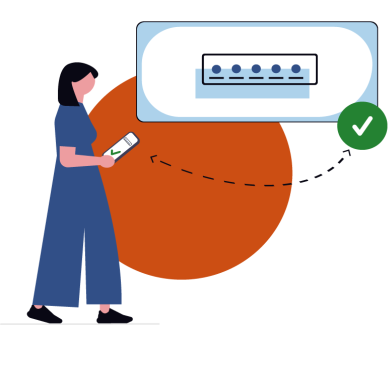
To protect your personal information, Member Access uses a two-step identity verification process called multi-factor authentication (MFA). This standard security measure requires your credentials and a one-time passcode to help ensure only you can access your account.

Frequently asked questions about Member Access

Member Access can be accessed online.

At the Member Access sign-in screen, select “Forgot password” and follow the prompts to update your password. To reset your username, you must contact Member Services Support at (888) 732-8562.

To keep your data secure and ensure the best performance, we recommend using the latest version of Microsoft Edge or Chrome. Using an outdated browser may limit certain features.

You may contact Member Services Support, our 24/7 member helpline, at (888) 732-8562 for assistance.